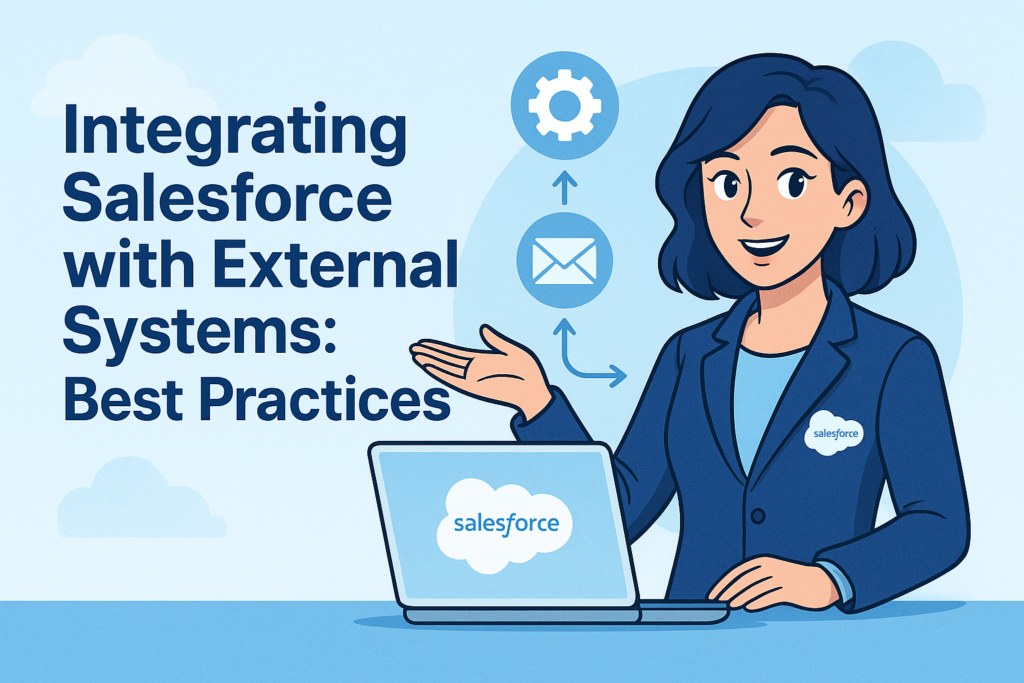
Short Description: Connecting Salesforce to ERPs, marketing tools, or payment gateways doesn’t have to be a headache. Learn the modern best practices for integration, from security (External Credentials) to architecture (Event-Driven), to keep your data flowing smoothly.
Index / Table of Contents
- Introduction
- The Three Main Integration Approaches
- Best Practice #1: Security First (Goodbye, Hardcoding)
- Best Practice #2: Respect the Governor (Limits)
- Best Practice #3: Decouple with Platform Events
- Common Mistakes to Avoid
- Conclusion
Introduction
Salesforce is powerful, but “no CRM is an island.” To get a true 360-degree view of your customer, Salesforce needs to talk to your other systems: your ERP (like SAP or NetSuite), your marketing tools, and your HR platforms.
However, bad integration is worse than no integration. We have all seen “spaghetti code”—messy, fragile connections that break every time you change a password or update a field.
In this guide, we will cover how to build robust, scalable integrations in 2025.
The Three Main Integration Approaches
Before writing code, decide how you are connecting.
- AppExchange (Buy vs. Build): Before you code anything, check the AppExchange. Does DocuSign, Slack, or Jira already have a pre-built connector? If yes, use it. It saves you maintenance time.
- Middleware (The “Hub”): Tools like MuleSoft, Boomi, or Jitterbit act as a translator between systems.
- Pros: Scalable, handles error logging, prevents point-to-point mess.
- Cons: Extra license cost.
- Custom Code (Point-to-Point): Using Apex (REST/SOAP) to talk directly to an API.
- Pros: Infinite flexibility, no middleware cost.
- Cons: High maintenance. If the external API changes, you have to rewrite your Apex.
Best Practice #1: Security First (Goodbye, Hardcoding)
In the old days, developers would sometimes put usernames and passwords directly into Apex code. Never do this.
Use “External Credentials” & “Named Credentials”
Salesforce has overhauled how it handles auth.
- External Credentials: This is where you configure how you authenticate (e.g., OAuth 2.0, AWS Signature). It handles the messy auth protocols.
- Named Credentials: This basically says, “I want to call the ‘Billing System’ using these External Credentials.”
In your code, you just reference the Named Credential (callout:BillingSystem). You never see a password, and if the password changes, an Admin updates the credential in Setup—no code deployment needed!
Best Practice #2: Respect the Governor (Limits)
Salesforce runs in a multi-tenant environment (like an apartment building). If you use too much water, the landlord cuts you off.
- Don’t Loop Callouts: Never put an HTTP request inside a
forloop. If you trigger 50 records, you will hit the limit of 100 callouts per transaction instantly. - Use the Bulk API: If you need to move 50,000 records from your ERP to Salesforce, do not use the standard REST API row-by-row. Use the Bulk API 2.0. It is designed to load massive data sets efficiently in the background.
Best Practice #3: Decouple with Platform Events
Traditionally, System A calls System B and waits for a response.
- Scenario: Salesforce tries to send an Order to SAP. SAP is down. Salesforce freezes and throws an error to the user.
The Fix: Event-Driven Architecture Instead of calling SAP directly, Salesforce publishes a Platform Event (e.g., Order_Created__e) to a message bus.
- Salesforce fires the event and says “Job done.” The user can keep working.
- A middleware (or external listener) picks up that event and tries to send it to SAP.
- If SAP is down, the middleware retries later.
This “Fire and Forget” method makes your user experience much faster and more reliable.
Common Mistakes to Avoid
- Assuming Real-Time is Always Needed: Does the sales rep really need the invoice history updated the second they click a button? Or is a nightly batch job enough? Real-time integration is expensive and complex. Default to batch/async when possible.
- Lack of Error Handling: What happens if the external server returns a 500 error? If you don’t log this to a custom object (e.g.,
Integration_Log__c), you will never know it failed until a user complains. - Testing in Production: Always test integrations in a Full Copy Sandbox. Integration bugs can corrupt data massively and quickly.
Conclusion
Integration is about balance. You want data to flow freely, but you also want to ensure security and stability.
By using External Credentials for security, Middleware or Platform Events for architecture, and respecting Governor Limits, you can build a connected ecosystem that scales with your business.